
 English
 Français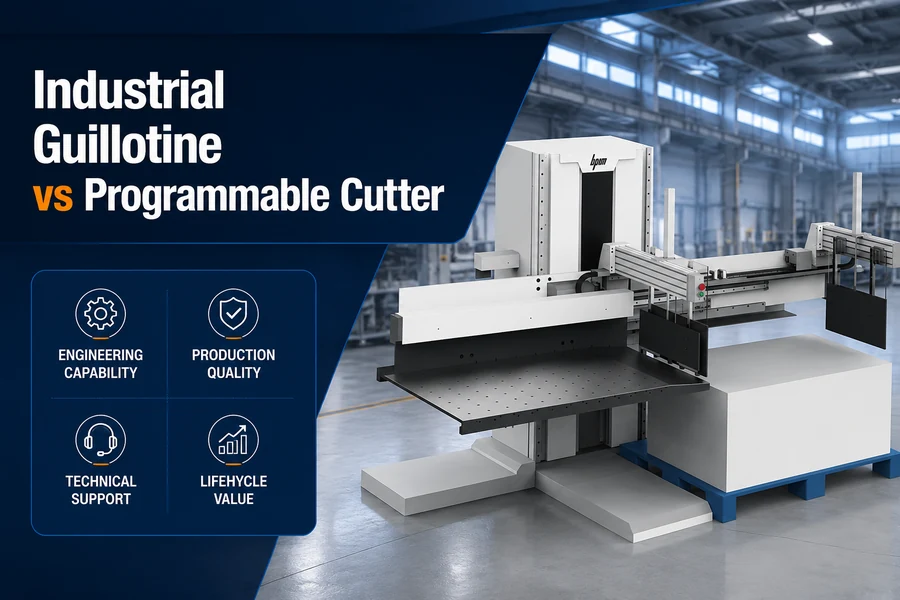
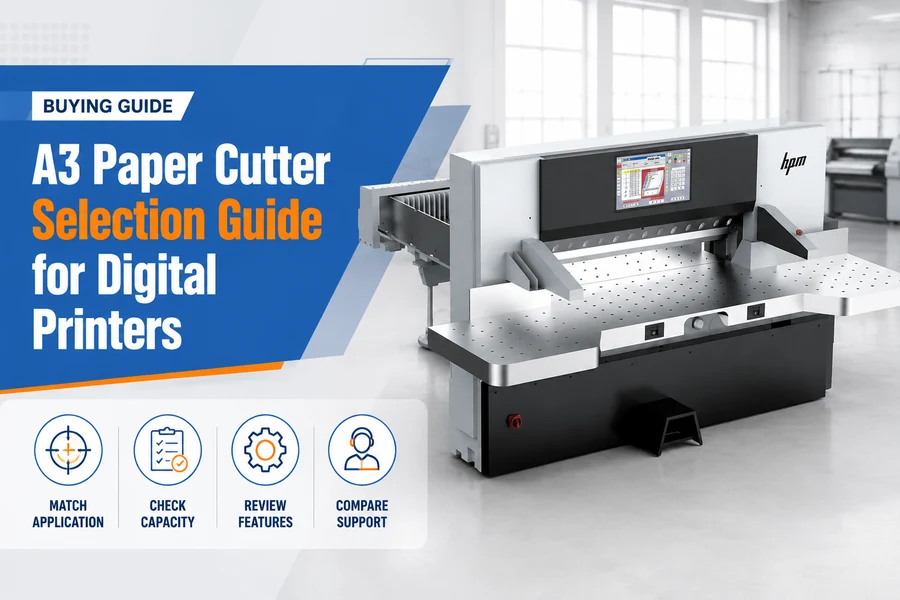
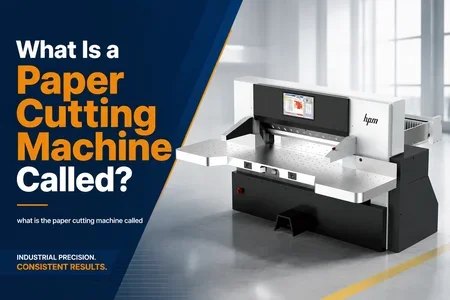
Article Overview: This procurement guide helps digital print buyers evaluate A3 paper cutting machines by examining cutting width, stack height, precision, speed, and automation. It contrasts A3 cutters with larger guillotines and lists mandatory safety features. Evidence is drawn from manufacturer specifications, including HPM models.

What are the key specifications to consider when buying an A3 paper cutting machine?
Focus on maximum cutting width (typically 340–450 mm), stack height (30–80 mm), cutting precision (±0.5 mm or better), and backgauge speed (15–38 m/min). These directly affect throughput and accuracy for digital print finishing.
To prepare an RFQ, verify the following parameters with suppliers. Note that actual values vary by model; for example, the HPM S19 offers a 32 m/min backgauge speed, while the S22 reaches 38 m/min.
Step 1: Confirm sheet size compatibility
Measure the largest trimmed sheet you produce. For example, a shop handling SRA3 (320 × 450 mm) should ensure the machine's cutting width exceeds 340 mm to allow safe handling. Request the supplier's stated maximum cutting width and depth.
Step 2: Match stack height to order volumes
In a hypothetical digital print run of 200–500 sheets, a 40 mm stack height is sufficient. For larger batches (up to 1,000 sheets), look for 60–80 mm capacity to minimize reloading. Ask the supplier for the rated stack height under clamp.
Step 3: Verify precision against quality standards
Ask for repeatability data. Finishing of premium commercial work often requires a tolerance of ±0.2 mm; ±0.3 mm is acceptable for standard jobs. Reject vague claims; insist on documented test results from the manufacturer.
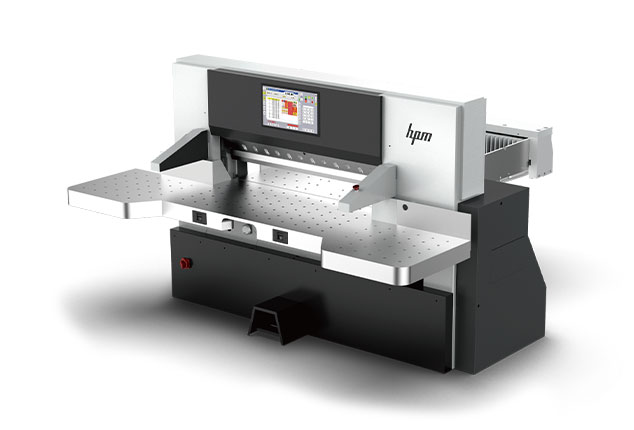
Backgauge speed also matters. For instance, a model with 32 m/min backgauge speed can achieve approximately 20 cuts per minute for typical A3 stacks. Compare this with your required daily output to confirm the machine meets your throughput needs. Browse HPM A3 and A4 paper cutters for models with published performance data.
In addition to the above, evaluate the clamping pressure range and whether it is adjustable for different stocks. Some digital printers run lightweight bond paper, while others run heavy cardstock. An adjustable clamp prevents stock damage and ensures consistent cuts. Also consider the machine's power requirements—most A3 cutters run on single-phase power, but confirm compatibility with your facility's electrical supply.
How does an A3 paper cutter differ from a standard guillotine?
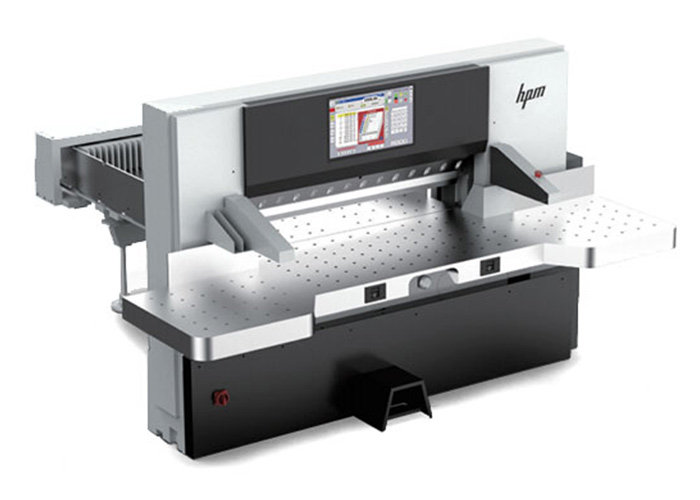
An A3 paper cutter is designed for smaller format (up to 330×480 mm), often semi-automatic or digital, with a compact footprint. In contrast, a standard guillotine handles larger sheets (B2 or bigger) with heavier construction and higher automation for high-volume jobs.
- Max sheet size: typically A3+ (330 × 480 mm)
- Stack height: 30–50 mm (common range)
- Footprint: 1–2 m²; suitable for compact digital shops
- Automation: touchscreen with job memory; optional PDF/CIP4 parsing
- Typical users: digital printers, in-plant reprographics, copy shops
- Max sheet size: 700 × 1000 mm or larger (B2, B1)
- Stack height: 80–130 mm (common range)
- Footprint: 4–8 m²; requires dedicated space
- Automation: programmable backgauge, light curing, fully automatic cycling
- Typical users: commercial printers, packaging converters, trade binders
The distinction is not just size but workflow. A3 cutters often accept direct PDF parsing and automated cutting programs—for example, the HPM S22 reads PDF/JDF files and automatically calculates cutting layouts—while standard guillotines may require operator programming. For a digital print shop that handles predominantly A3 or smaller orders, an A3 cutter reduces waste from handling large sheets and speeds up changeovers. In a hypothetical scenario, a shop running 50 small-format jobs per day would benefit from quick job recall and minimal manual setup. Conversely, a standard guillotine is overkill for small-format work; its larger blade and clamp can damage thin stacks, and its floor space and cost are justified only by high-volume, larger-format production.
What safety features should an A3 paper cutting machine have?
Mandatory safety includes two-hand start controls, a light curtain or safety photocell across the blade opening, a transparent blade guard, and an emergency stop button. These prevent accidental contact with the blade during operation.
Beyond these basics, modern A3 cutters often incorporate additional safeguards. Review the following checklist when evaluating supplier safety systems:
- Two-hand start buttons – The operator must press both buttons simultaneously, ensuring hands are clear of the blade.
- Light curtain or infrared photocells – A set of beams that stops the blade if any object breaks the field. Verify the resolution (typically 14–30 mm beam spacing) as per your risk assessment.
- Transparent blade guard – A polycarbonate shield that allows visibility while blocking access.
- Emergency stop (E-stop) – A large, red mushroom-head button that instantly cuts power to the blade.
- Enclosure interlock – Some models have a rear safety cover that will not open while the blade is active.
For digital printers with multiple operators, also consider training costs: machines with intuitive safety interlocks reduce the likelihood of operator bypass. A light curtain that is easy to reset encourages compliance. Always verify that the safety features are robust enough for your production environment. Additionally, some suppliers offer optional safety modules like anti-rebound brake systems or blade-change locks—consider these if your operator turnover is high.
How to evaluate automation and workflow integration?
Automation features like touchscreen control, PDF parsing, and network connectivity reduce setup time and errors. Evaluate whether the machine supports job memory, automatic cutting program generation, and remote management to match your digital print workflow.
For example, the HPM S22 includes a 22-inch touchscreen that directly parses PDF, JDF, and CIP4 files, calculating optimal cutting layouts automatically. The HPM S19 offers a 19-inch touchscreen with intelligent planning and network connectivity. When assessing automation, consider:
- File format support – Does the machine accept PDF, JDF, or other imposition files directly? This eliminates manual programming and reduces errors.
- Job memory and recall – Can the machine store hundreds of cutting programs for repeat orders? This is critical for digital printers with frequent reorders.
- Network integration – Does it support Ethernet and Wi-Fi for remote job submission and production monitoring? In a hypothetical Industry 4.0 environment, this allows seamless integration with your MIS.
- Operator guidance – Does the screen display step-by-step cutting animations to reduce training time? This is especially useful when training temporary staff.
These features are especially valuable for small-batch, variable job environments common in digital printing. Request a live demonstration of the software interface before purchasing. Also ask whether the supplier provides regular firmware updates to ensure compatibility with new PDF standards.
FAQ
What is the typical cutting width for an A3 paper cutting machine?
Most A3 cutters offer a maximum cutting width between 340 and 450 mm, which accommodates SRA3 (320 × 450 mm) and A3+ sizes. Some models extend to 480 mm for bleed or grid sheets. Confirm the exact value in the datasheet.
Can an A3 paper cutter handle thick stock like card stock or thin plastics?
Yes, but only within the rated stack height and clamp pressure. Standard models handle paper up to 300 gsm easily. For card stock (400–600 gsm) or thin plastics, verify that the blade is made of high-alloy steel and the clamp pressure is adjustable to prevent slipping.
Do I need a light curtain if the machine has two-hand controls?
Two-hand controls alone do not protect the operator from the rear or side of the blade. A light curtain or photocell adds a redundant safeguard, particularly when loading large sheets that extend beyond the cutting table. Most safety regulations require both controls and a presence-sensing device.
Conclusion: Streamline your A3 paper cutter procurement
Selecting an A3 paper cutting machine requires balancing cutting width, stack height, precision, speed, and safety—all within the compact footprint and budget of a digital print shop. By following the specification checklist and understanding the differences from standard guillotines, you can issue a targeted RFQ that attracts capable suppliers. Always verify safety certifications and request performance data before committing to a purchase. For a complete range of A3 paper cutting machines that meet these criteria, Explore HPM A3 paper cutting machines.
Ensure your decision is data-driven. Use the comparison criteria in this guide to evaluate multiple vendors and eliminate those who cannot provide clear, evidenced answers to your questions. For each shortlisted machine, ask for a list of reference installations in similar-sized digital print shops.